
 IDEN Join WA Group
LOGIN
New to the new servers? Read the Server Guide first: hotspot login, static talkgroups and how to use the dashboard.
Just install it over the old version – your data and settings stay safe.
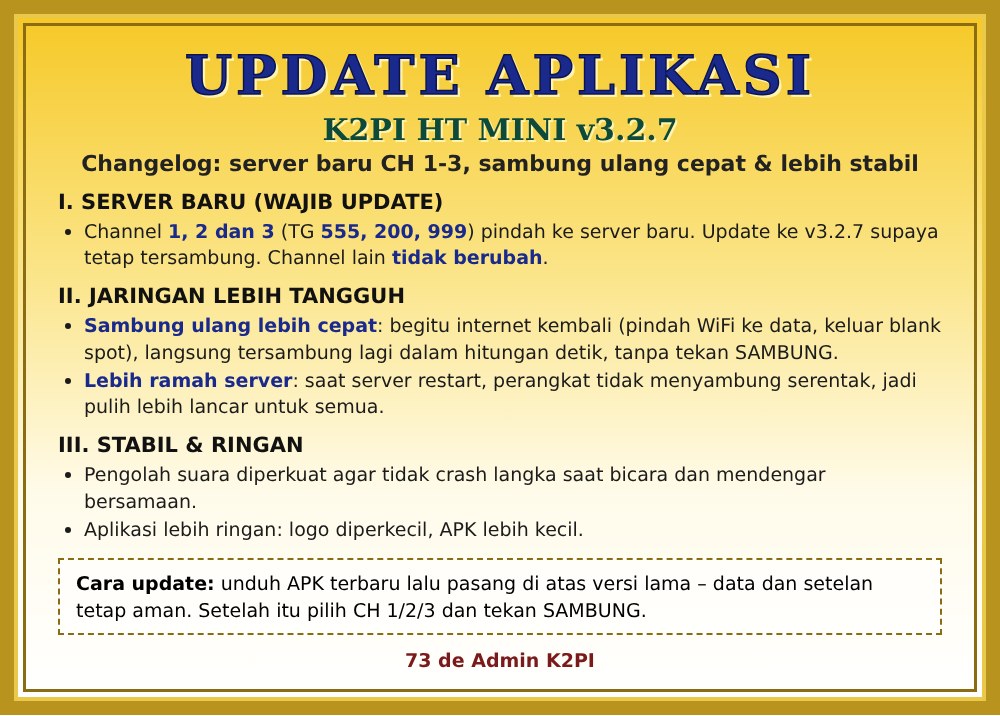
IMPORTANT – new server: Channels 1, 2 and 3 (TG 555, 200 and 999) now use a new server. Version 3.2.7 already contains the new settings, so updating is required to keep those three channels connected. Other channels are unchanged.
The new server address is set in the app automatically – you don't need to fill in anything. If channels 1–3 do not connect after updating, close the app and open it again.
Just install it over the old version – your data and settings stay safe.
IMPORTANT – new server: Channels 1, 2 and 3 (TG 555, 200 and 999) now use a new server. Version 2.9.37 already contains the new settings, so updating is required to keep those three channels connected. Channels 4 and up are unchanged.
The new server address is set in the app automatically – you don't need to fill in anything. Channel names, User Profile and your login stay as they were. If channels 1–3 do not connect after updating, close the app and open it again.
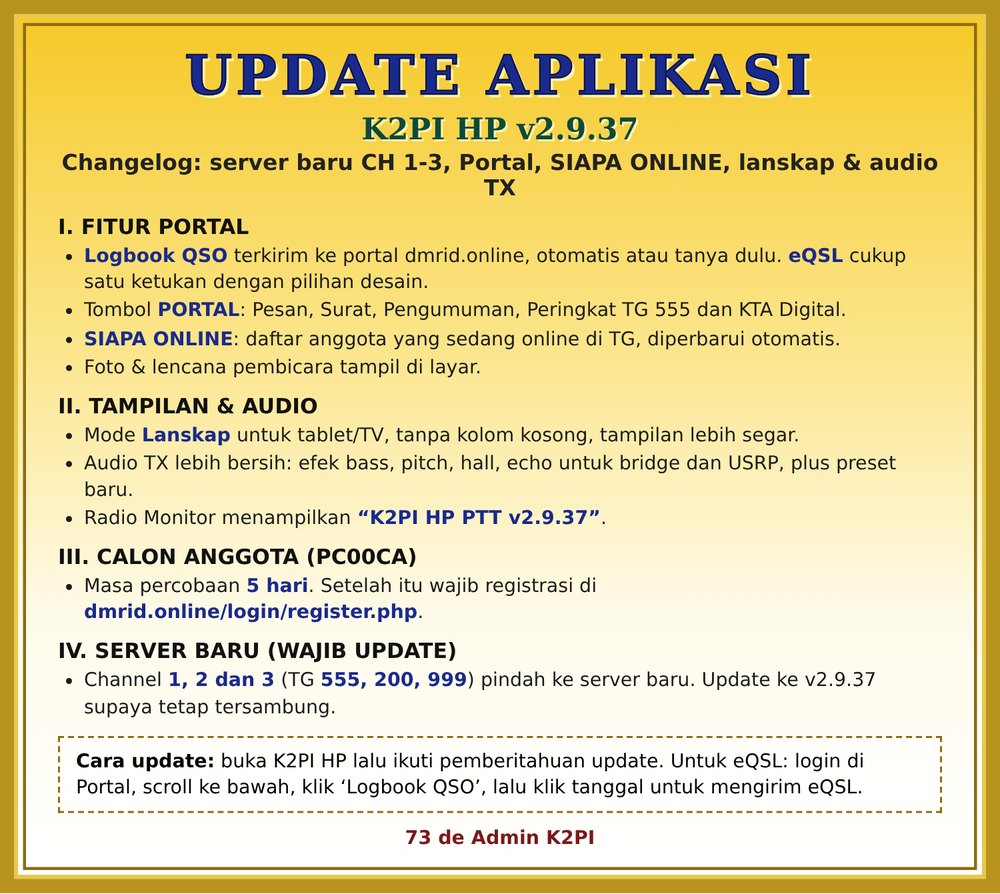
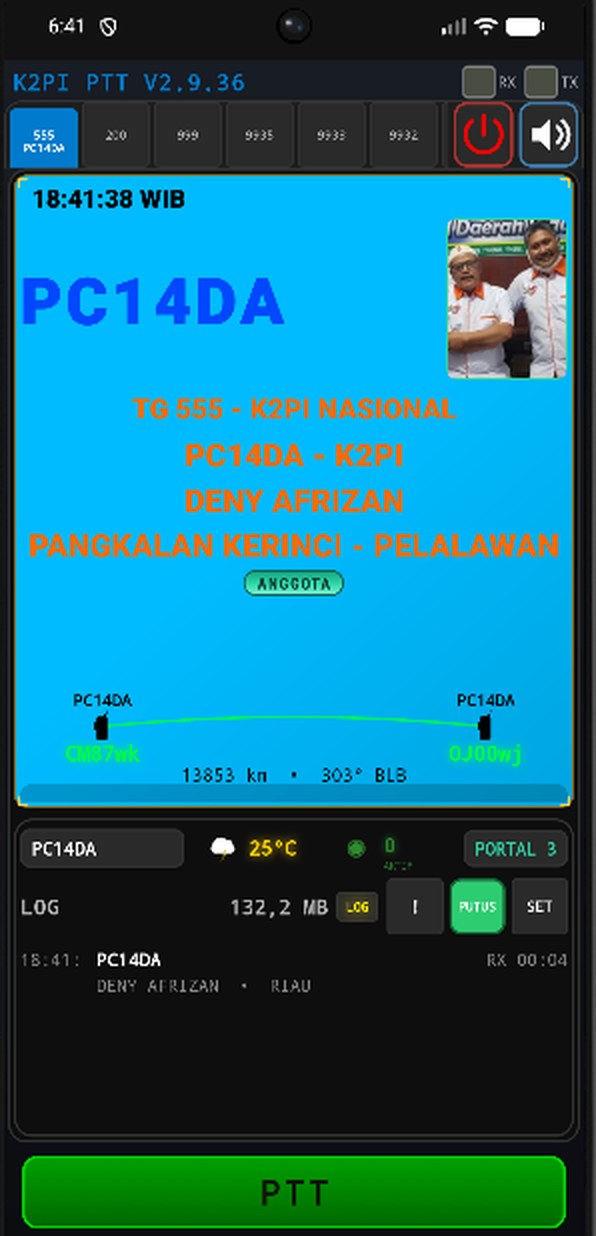
Note: Portal, WHO'S ONLINE, photos and the logbook need a member account (callsign, password and DMR ID filled in and saved in User Profile) and are not available to the guest account. The PORTAL button appears once the account is saved and the app is connected.
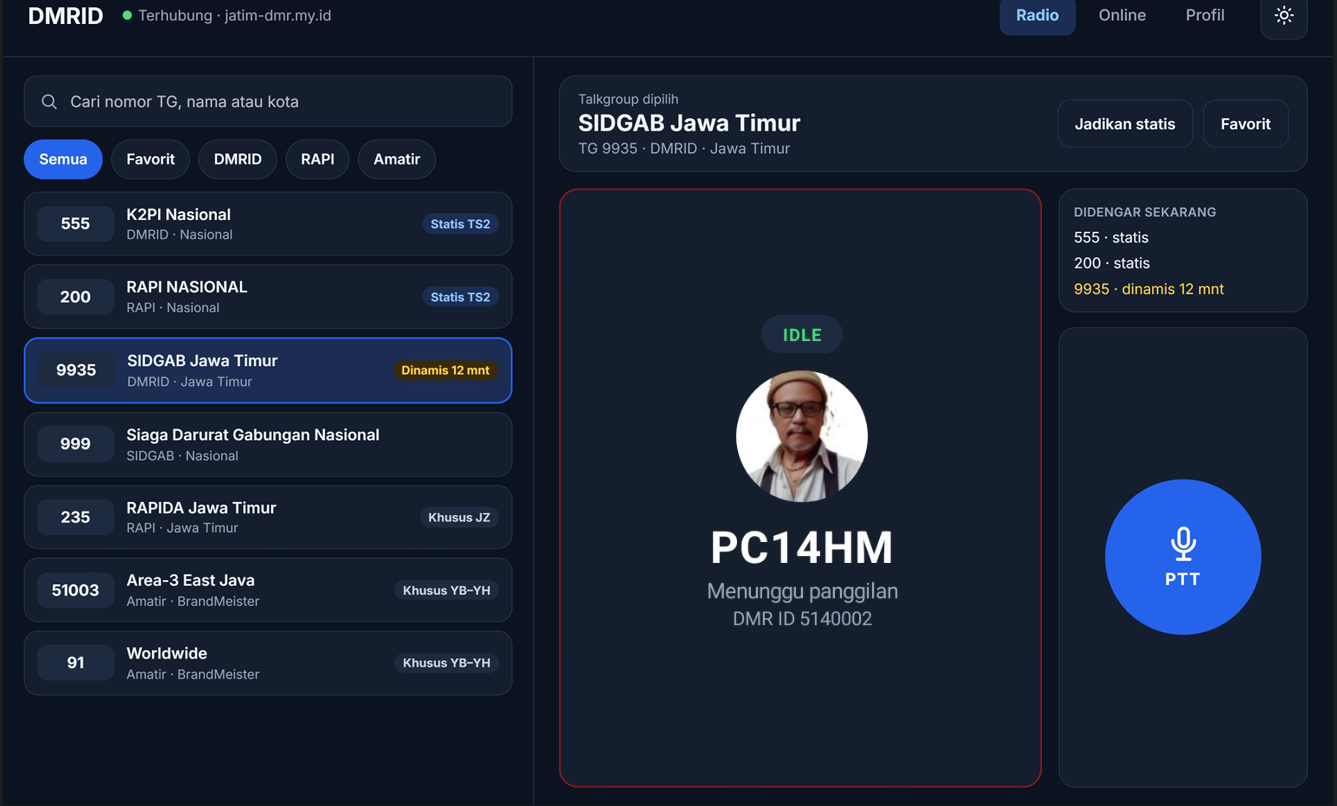 Image: Example of the Android TV display
Just install over the old version – your User Profile, channels, per-channel callsigns and settings stay safe.
Just install over the old version.
Just install over the old version – your User Profile, channels, per-channel callsigns and settings stay safe.
Just install over the old version – your User Profile, channels, per-channel callsigns and settings stay safe.
Just install over the old version – your User Profile, channels and settings stay safe. Per-channel callsign placement is no longer reset when the app is updated.
Just install over the old version – your User Profile, channels and settings stay safe. Log in with your dmrid.online account as usual.
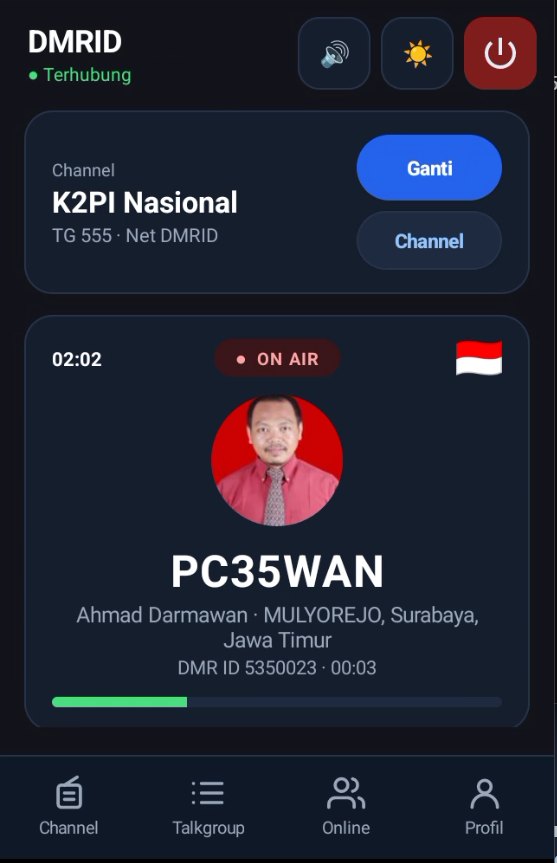
Just install over the old version – your User Profile, channels and settings stay safe. Log in with your dmrid.online account as usual.
Just install over the old version – your User Profile (callsign, password, DMR ID) and settings stay safe.
Note: channels you added yourself are also replaced during the update – add them again if you still need them.
Note: with the screen off, PTT through “DMRID PTT” depends on the phone's firmware. Phones that send their own PTT signal (like the Caraka 22) can still transmit with the screen off.
Android 13 and up blocks Accessibility for apps installed from an APK file. Unblock it just once:
 Via PC (if the three-dot menu is missing), with USB debugging on:
 adb shell appops set com.dmrid.dvs ACCESS_RESTRICTED_SETTINGS allow
Note: the online list needs the account password in the User Profile (the same as member photos) and is not available to guest accounts.
Install over the old version (or through Online Update in the app) – accounts, settings, extra channels and the logbook are kept. ffmpeg is now built into the .exe file, so there is nothing extra to download.
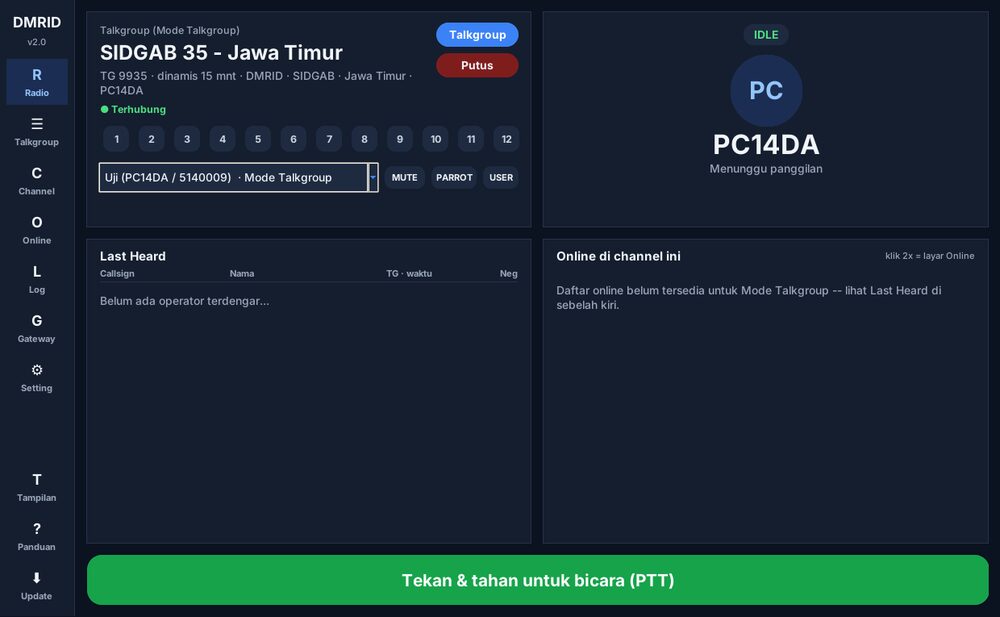
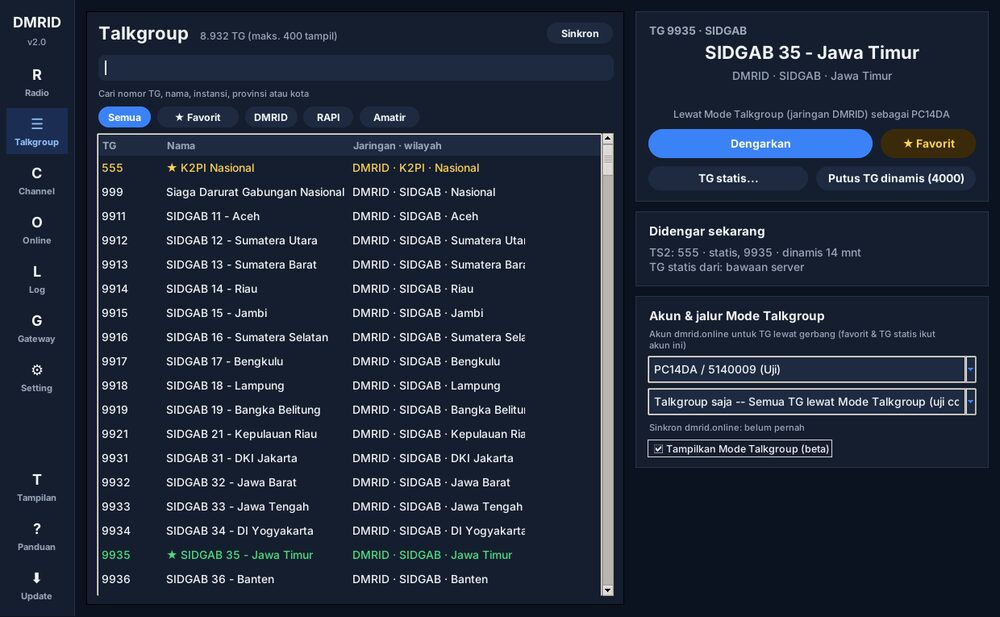
Install over the old version (or through Online Update in the app) – accounts, settings, extra channels and the logbook are kept.
Install over the old version (or through Online Update in the app) – accounts, settings, extra channels and the logbook are kept.
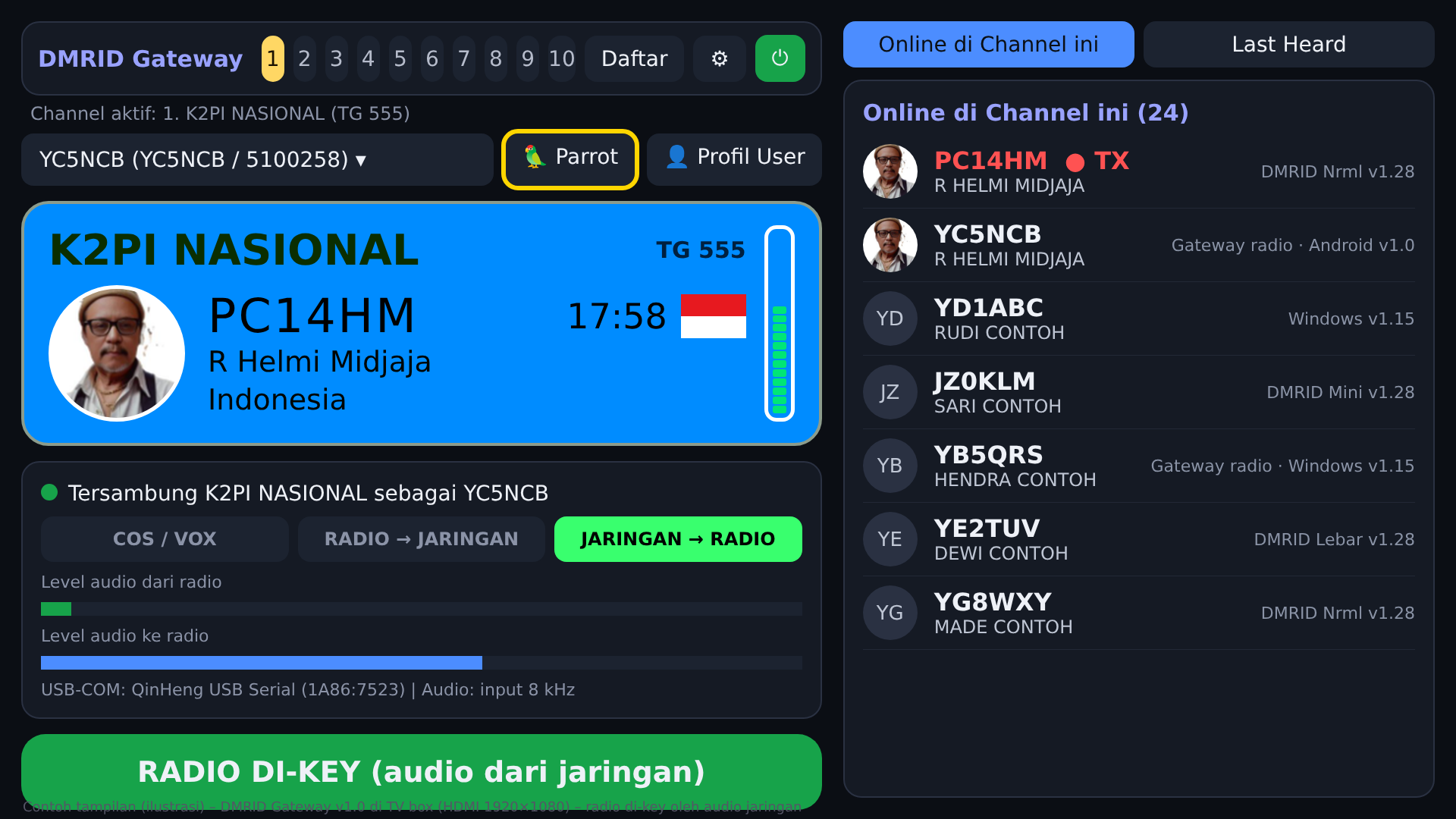
A radio gateway app for Android 7+ TV boxes (ZTE B860H/B866F/B760H, Huawei EC6108V8/V9, HG680-P and similar with Android TV firmware). It works like the Gateway screen of DMRID-Gateway Windows and runs on its own 24 hours a day with its display on the HDMI screen. Separate from the DMR-ID-DVS app – both can be installed side by side.
Note: test version. Please report how it works on your TV box to the admin.
pasang.sh). Gateways already installed update themselves through automatic update; settings and accounts are kept.A radio gateway for TV boxes running Armbian / Debian 12 (Bookworm), arm64 or armhf. It runs as a headless service and everything is set from a web panel (http://IP-TVBOX:8080) on your phone or PC. It works like the Gateway screen of DMRID-Gateway Windows and DMRID-Gateway Android.
Note: test version. Please report how it works on your TV box to the admin.
uname -m = aarch64) or armhf (armv7l). Check the version: cat /etc/os-release.cd /tmp && wget https://jatim-dmr.my.id/dmrid/dmrid_gtw_linux_v1.03.tar.gz cd /tmp && tar xzf dmrid_gtw_linux_v1.03.tar.gz && sudo bash dmrid-gateway/pasang.sh
pasang.sh installs the required packages (python3, python3-serial, alsa-utils, libopus0), creates the service user, the CM108 udev rule and the dmrid-gateway service.hostname -I, then open http://IP-TVBOX:8080 from a phone/PC on the same network and create the panel password.
 [ Radio ] <--audio, PTT, COS--> [ Armbian TV box + DMRID Gateway ] <--internet--> [ DMRID server ]
                                          ^
                                          |  web panel http://IP-TVBOX:8080 (phone / PC)
Option A – USB sound card + USB-COM (recommended)
   RADIO                                   TV BOX
 +---------------------+               +-----------------------------+
 | Speaker / RX audio  |--- audio ---->| USB sound card   IN  (mic)  |
 | Mic / TX audio      |<-- audio -----| USB sound card   OUT (phone)|
 | COS / squelch       |--- COS ------>| USB-COM          CTS        |
 | PTT                 |<-- PTT -------| USB-COM          RTS        |
 | GND                 |---------------| GND                         |
 +---------------------+               +-----------------------------+
      PTT through a transistor / optocoupler, never straight to the radio pin
Option B – CM108 / CM119 sound card (1 USB cable)
   RADIO                                   TV BOX
 +---------------------+               +-----------------------------+
 | Speaker / RX audio  |--- audio ---->| CM108  IN                   |
 | Mic / TX audio      |<-- audio -----| CM108  OUT                  |
 | COS / squelch       |--- COS ------>| CM108  Volume Down button   |
 | PTT                 |<-- PTT -------| CM108  GPIO3                |
 +---------------------+               +-----------------------------+
Option C – no COS/PTT wires: RX trigger = VOX, PTT to the radio = No PTT (radio VOX).
After a power cycle – even when the power is pulled – the gateway starts by itself and connects to the last channel (PARROT is not counted). On first install it uses the guest account – replace it with your own account in User Profile. Open the web panel from the local network only; do not port-forward it to the internet.
 sudo systemctl status dmrid-gateway       # service status
 sudo systemctl restart dmrid-gateway      # restart
 sudo journalctl -u dmrid-gateway -f       # live log
 arecord -l   /   aplay -l                 # list sound cards
 ls -l /dev/serial/by-id/                  # list USB-COM devices
 sudo dmrid-gateway-passwd                 # forgot the panel password
 sudo /opt/dmrid-gateway/uninstall.sh      # remove the program (--purge = remove settings too)
sudo systemctl status dmrid-gateway and the TV box IP (hostname -I).alsamixer -c 1 and raise Mic/Capture).The full guide is also in the web panel (Guide tab).